Commerce
How orders, hosted checkout and usage meters run on top of the payment core, with delivery tracked separately from payment.
The problem it removes
A payment record says money moved. It does not say whether the buyer got what it paid for, and support, refunds and disputes all depend on that second fact. Abazi Commerce tracks delivery on its own field, and lets a merchant sell through orders and a hosted checkout page without building a separate payment path.
Who uses it
| Who | How |
|---|---|
| Agents | Create an order with several line items and check it out in one call. |
| Buyers | Pay on a merchant's hosted checkout page while signed in to their organization. |
| Merchants | See orders, delivery outcomes and usage per service. |
| Owners | See for each payment whether it was delivered, and open a dispute when it was not. |
How it works
Orders. An order holds line items, each a service and a quantity. Checking it out pays each item through Abazi Gateway, so every item gets its own intent, policy decision, reservation and receipt. The order becomes fulfilled when every item is delivered; otherwise it stays paid.
Delivery. After payment, a purchase's delivery status moves to processing, then to delivered or failed from the merchant's answer. Each outcome emits an event, and a failed delivery is the default reason when the owner opens a dispute.
Hosted checkout.
- A signed-in buyer opens the merchant's checkout page. It lists the payment methods the buyer's organization can fund right now; a method that cannot be used says why.
- The buyer's organization pays through its own checkout agent, created on demand, so the payment takes the same path through policy, budget, ledger and receipt as any agent purchase.
- The page follows the payment until it settles.
Usage meters. Each confirmed payment adds one count and its amount to a daily meter per service and organization, for reporting.
Screens
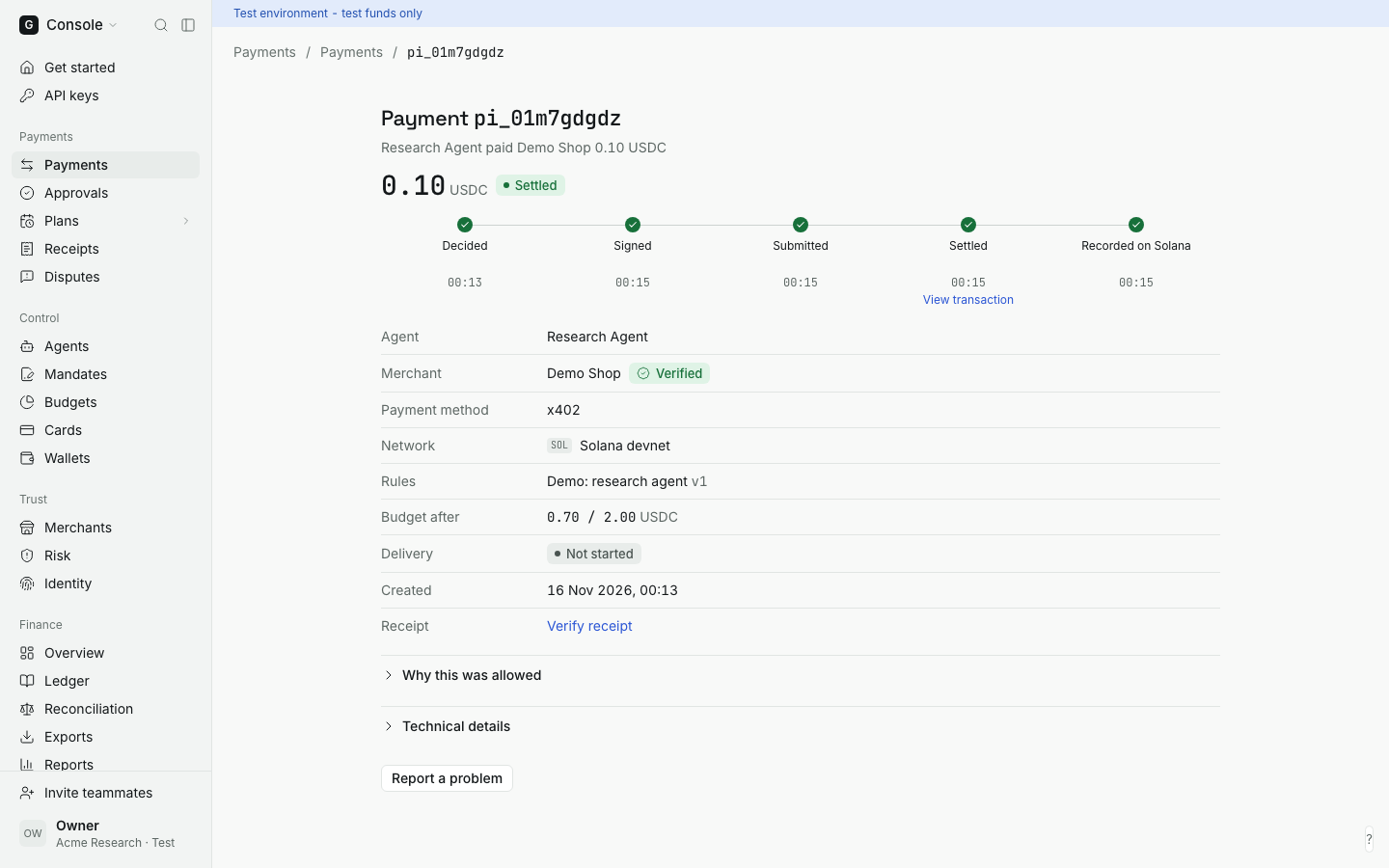
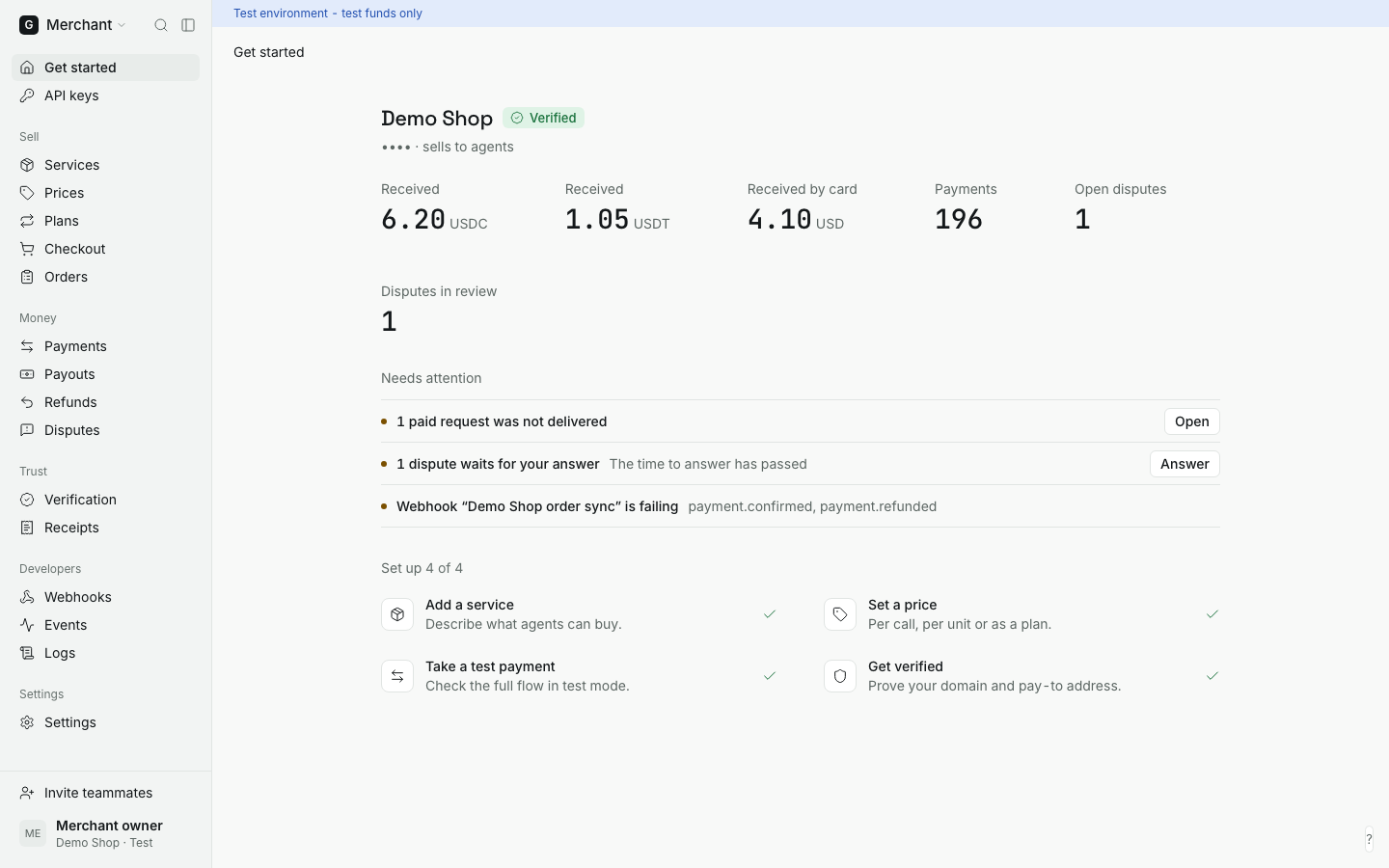
Boundaries
| Case | What happens |
|---|---|
| An order is already fulfilled or cancelled | It cannot be checked out again. |
| A buyer opens checkout without signing in | The page asks them to sign in and returns afterwards. |
| A consumer pays on Solana without signed consent | Checkout asks for consent first. See Connect. |
| Too many checkout requests from one client | Requests are rate limited. |
| A line item is above the buyer's limits | That item gets its own decision and reason code, such as HARD_CAP_EXCEEDED. |
API
The Commerce and checkout operations in the API reference, each with its parameters, responses and code samples:
- GETGet payment requirements
/v1/accept/requirements/{service_id} - POSTCheck direct transfer confirmation
/v1/accept/direct-confirmation - GETCall hosted paid endpoint
/x402/{merchant_slug}/{service_slug} - POSTPost to hosted paid endpoint
/x402/{merchant_slug}/{service_slug} - GETList orders
/v1/orders - POSTCreate order
/v1/orders - GETGet order
/v1/orders/{id} - POSTCheck out order
/v1/orders/{id}/checkout
Next steps
Catalog
How the Catalog holds every service's price, networks and payout address, lets agents search it, discovers new merchants from a 402 response, and checks every purchase against the listing.
Connect
How a platform creates accounts for its consumers, collects their consent on a hosted page, and splits each confirmed payment between the parties.