Approve a purchase on a phone
What an approver sees when an agent's purchase needs a person, how the one-time link and the passkey work, and what the agent sees before and after.
What you end up with
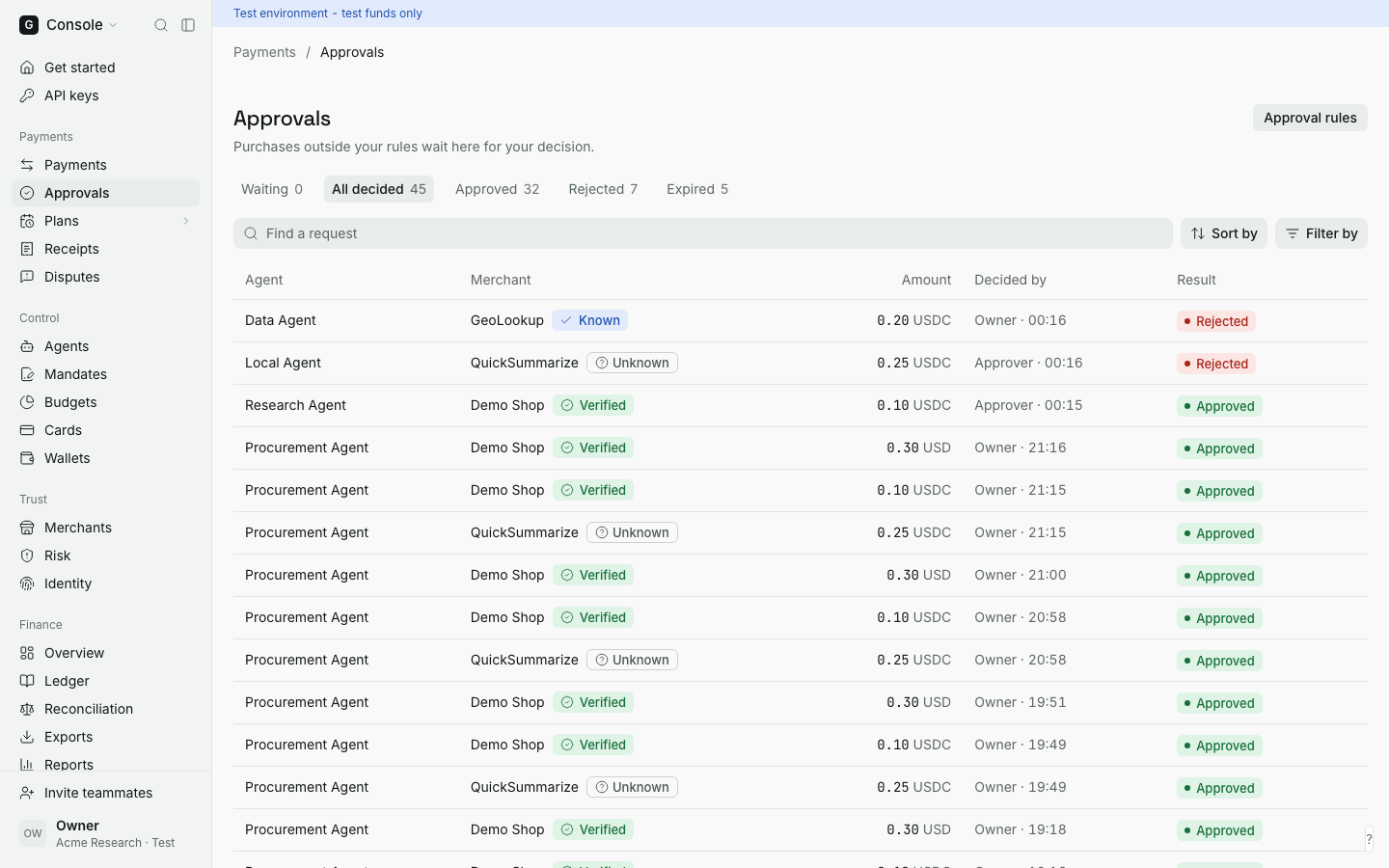
An approver's phone shows a short message with a link. The approver opens it, sees the merchant, the amount and why it needs a person, and approves with a fingerprint or face check. A few seconds later the agent's purchase is paid and has a receipt.
Steps
The purchase needs a person
The agent asks to buy something above the auto-approve limit (0.10 USDC in the example mandate), or above the unknown-merchant limit for an unknown merchant, or Shield marks it for review. The policy returns REQUIRE APPROVAL with a reason code such as ABOVE_AUTO_THRESHOLD. Nothing is reserved yet.
The agent gets awaiting_approval, the time the approval expires and a polling interval. It never gets the approval link.
Approvers are told
Every approver allowed to decide gets a Console notification. Approvers who have linked a Telegram chat also get a message with a one-time link. The message only carries the link; the decision is made on the page it opens.
The link expires after 10 minutes (an organization can set its own expiry).
Open the link and approve
The link opens a page with the purchase: merchant and tier, amount, network, rail and the reason it needs a person. Approving asks for the approver's passkey. The passkey signs a challenge bound to this approval and to the exact terms of the purchase, so an approval cannot be replayed for a different purchase.
Rejecting needs no passkey: saying no is always allowed.
Abazi checks again, then pays
Abazi re-quotes the purchase and compares its fingerprint (merchant, payout address, amount, asset, network, URL and request) with the one that was approved. If it matches, the policy runs again with the approval attached. Steps 5 to 7 pass as approved by the owner; every deny step still runs. On ALLOW the amount is reserved and paid like any other purchase.
The agent sees the result
The agent polls the same purchase. Its status moves from awaiting_approval to paid, with a receipt id. The receipt names the approval and the approver.
What an approval cannot do
An approval clears the three "ask a person" steps only: Shield review, the unknown-merchant limit and the auto-approve limit. It does not lift the hard cap, a budget, an expired or revoked mandate, a pause, or a Catalog mismatch. A purchase above the hard cap never reaches an approver: it is denied first.
Failure cases
| Situation | Result |
|---|---|
| Nobody decides in time | The approval expires and the purchase is denied with APPROVAL_EXPIRED. |
| The approver rejects | Denied with APPROVAL_REJECTED. |
| The price, payout address or anything else in the purchase changed before approval | The approval is invalidated and the purchase is denied with APPROVAL_INVALIDATED. |
| The link is opened again after a decision | The page shows the decision; the link cannot be used twice. |
| The mandate is revoked while waiting | Open approvals are invalidated; the purchase is denied with MANDATE_REVOKED. |
Next steps
Write a mandate
Draft an agent's spending rules, try purchases against the draft without spending anything, sign the version with a passkey, and change or revoke it later.
Pay with a virtual card
Give an agent its own virtual card and see how each authorization is decided by the same policy, without the card number ever reaching the agent.